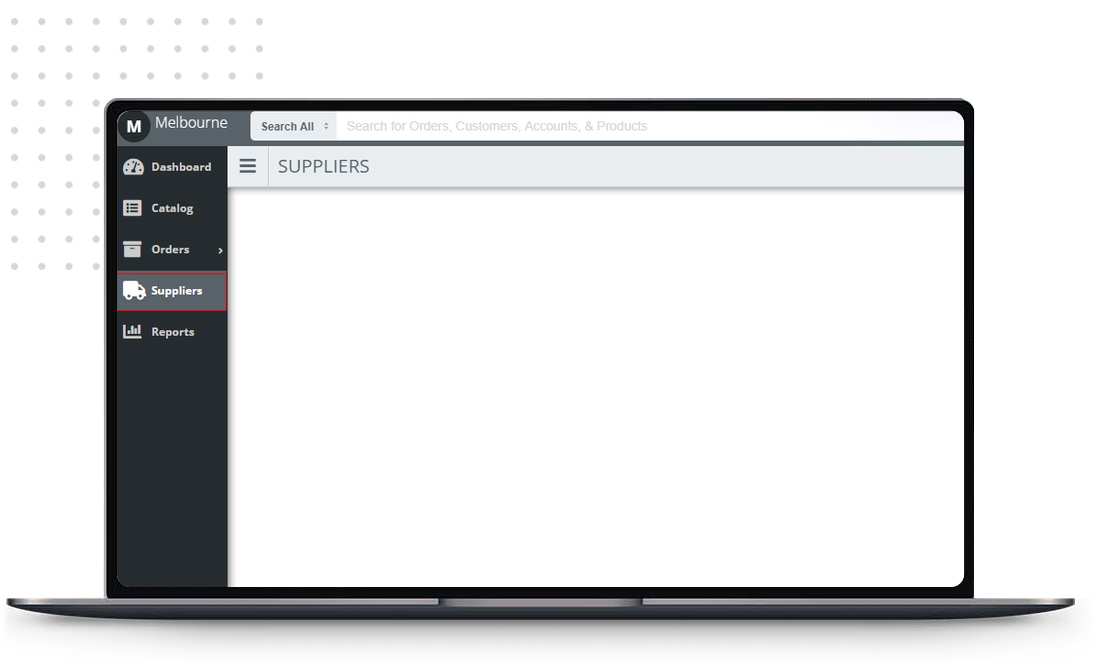
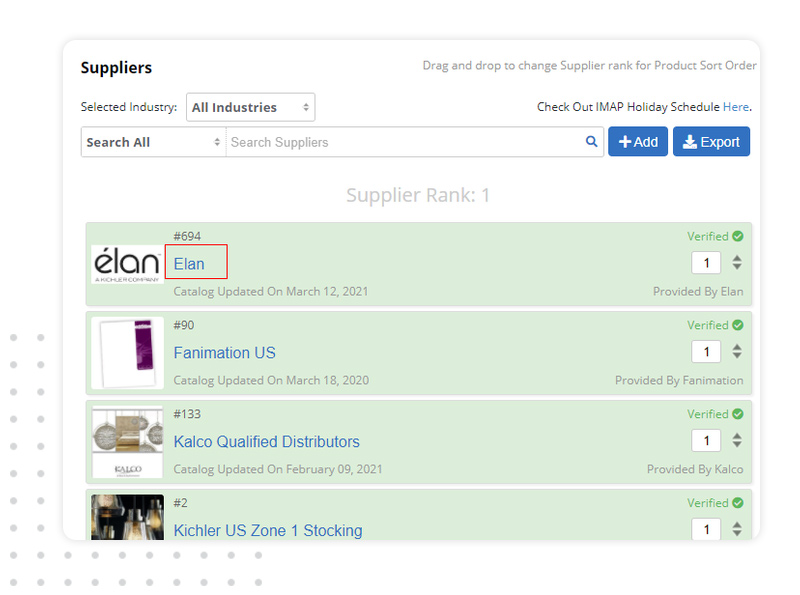
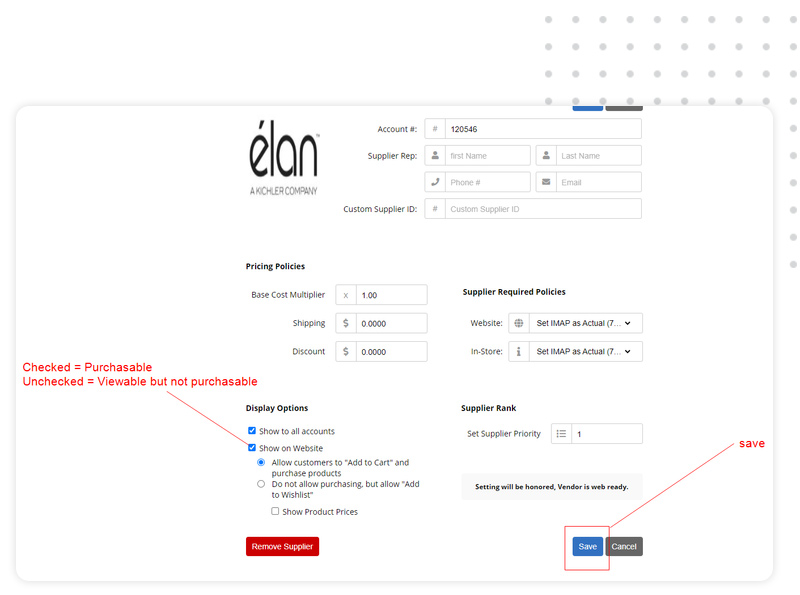
Marking A Vendor As Non-Purchasable On Your BigCommerce Catalog To make one of your current vendors NOT web enabled, follow these steps: 1. Log Into Your XO Dashboard 2. Add / Update Suppliers 3. Display Options Selection 1. Log Into Your XO Dashboard And Click Suppliers. 2. Click On The Name Of The Supplier You Want To Update/Change Web Enabled Status. 3. Display Options Section In The Display Options Section, UNCHECK "Show On Website" To Make A Vendor's Products Viewable But Not Purchasable In BigCommerce. In The Display Options Section, UNCHECK "Show On Website" To Make A Vendor's Products Viewable But Not Purchasable In BigCommerce. Testimonials from current members View Local Packages View Ecommerce Packages