The Customer Experience
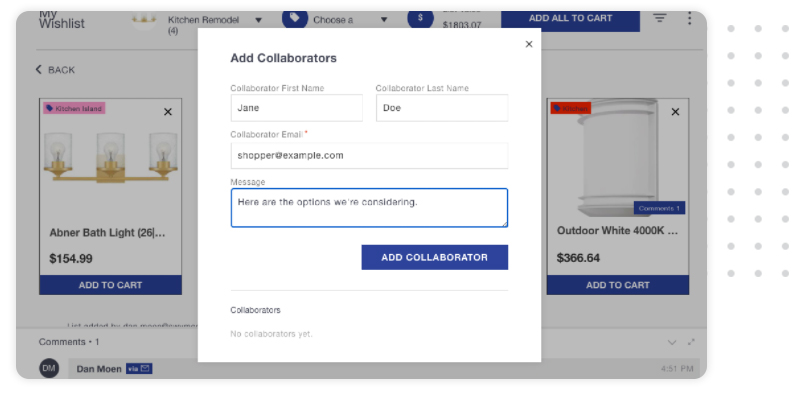
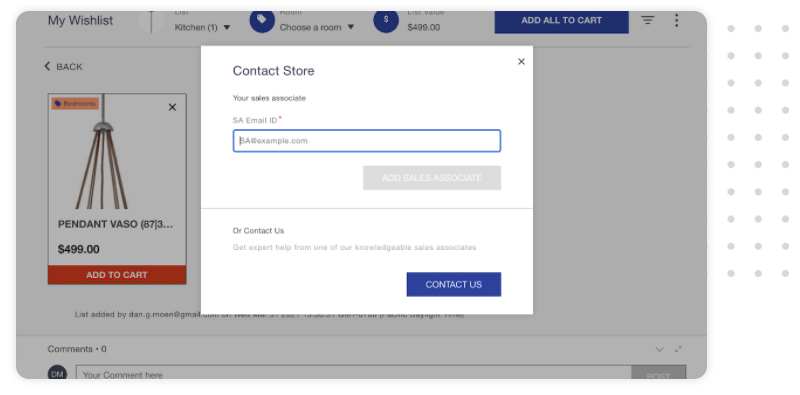
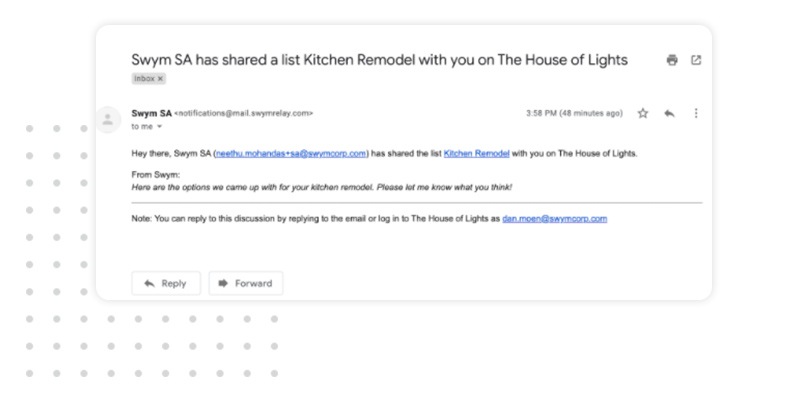
When you notify a customer that you have created a list for them, they will receive an email alert inviting them to check out the list.
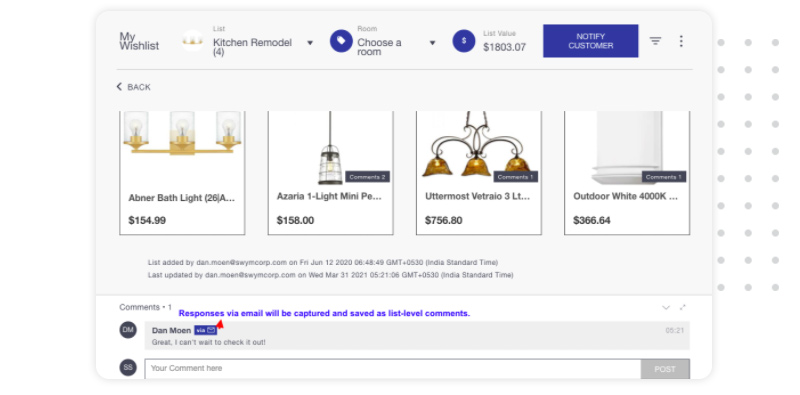
Customer Collaboration
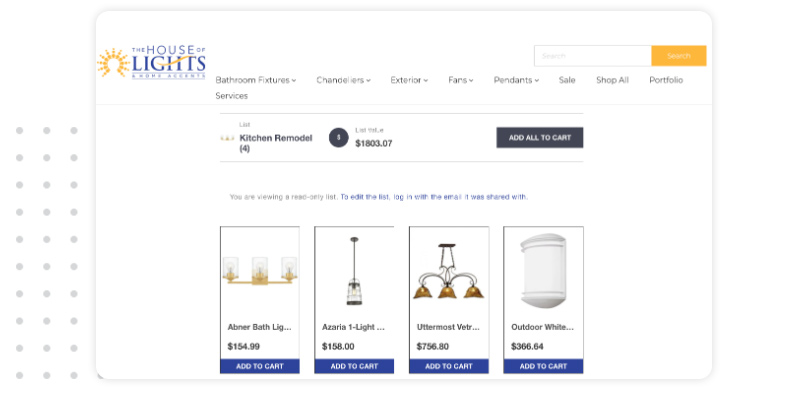
When customers click through the link to the list in the email they will be brought to the list. If they’re not logged in yet, the list will be displayed as a read-only version.
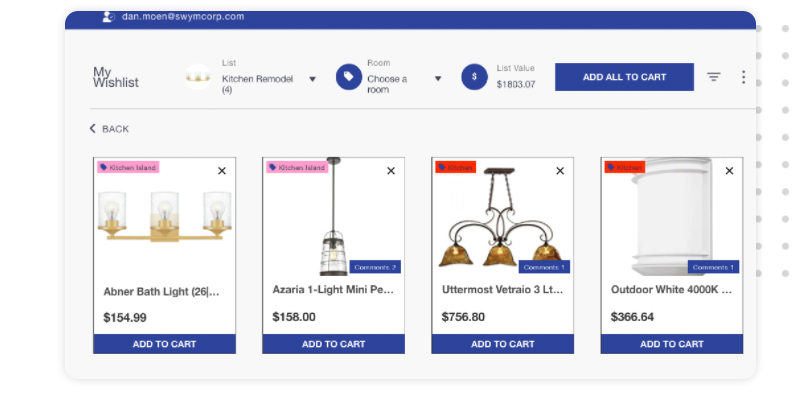
Once they’ve logged in, the list(s) you’ve created for them will be accessible within the wishlist feature on the website.
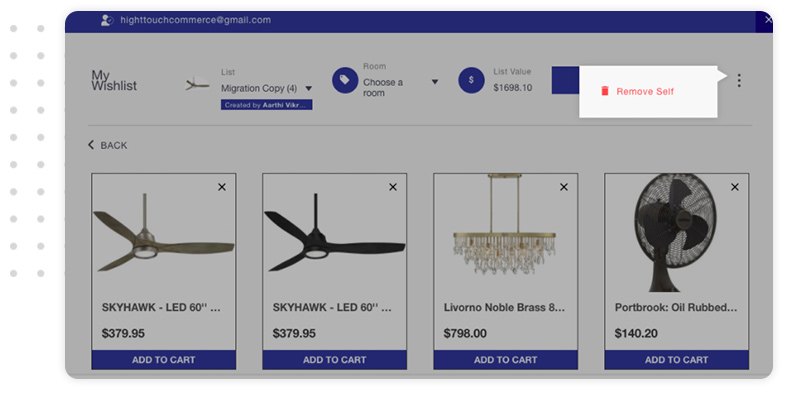
Once they have access to the list they can add and delete items/lists, change quantities and add comments. All of those changes are reflected in the Salesperson’s view of the same list. They can also print the list, make a copy of it or delete it.